Dual Button – Section 4

Stylist Border Radius Style One of the most stylish dual buttons with border radius style. Button One Or Button Two
Client Logo – Section 1
Client Logo with Solid Color Effects You can showcase your client logos on the solid color background.
Chart Polar – Section 13
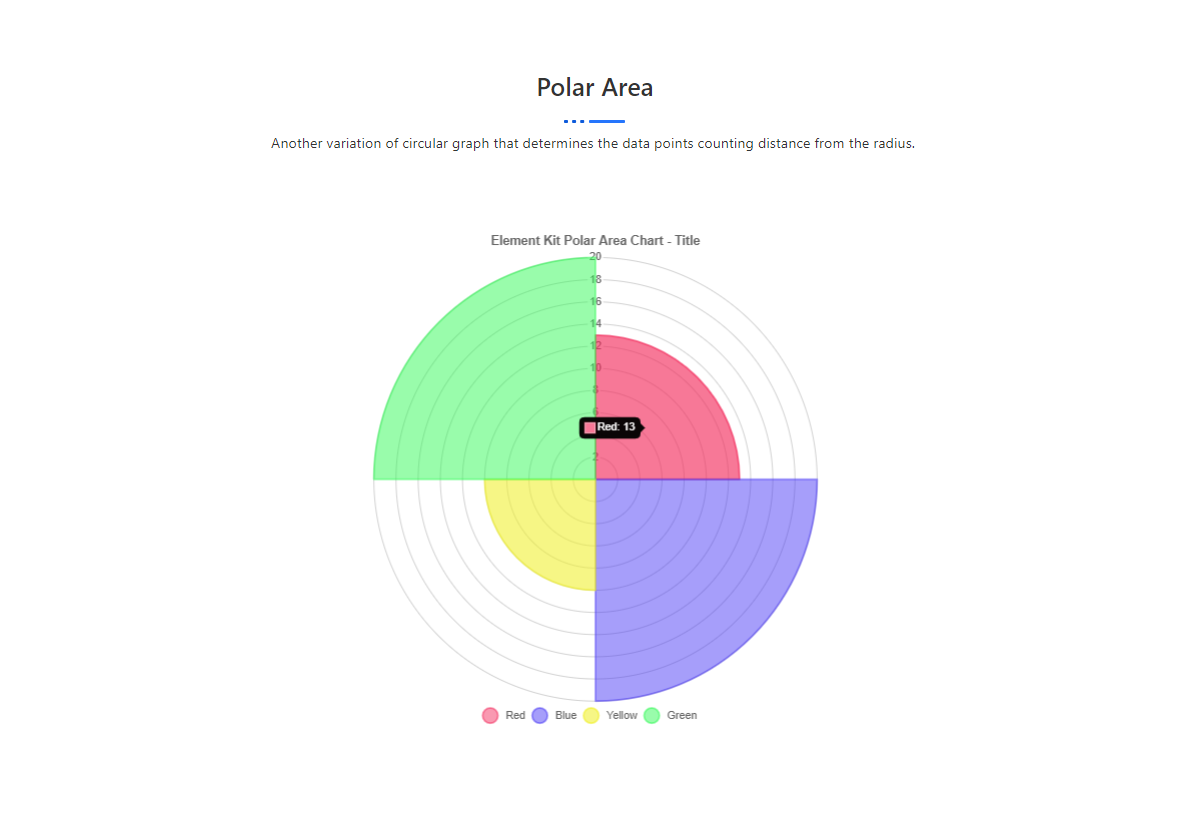
Polar Area Another variation of circular graph that determines the data points counting distance from the radius.
Client Logo – Section 12
Client Logo with Full Inner Navigation Effects Showcase a full-width logo carousel with a sleek black-and-white navigation effect.
Dual Button – Section 3
Default Border Radius Style Specify your dual button with border radius style to improve productivity. Button One Button Two
Client Logo – Section 5
Client Logo with Thick Border Effects Thickly boarder your client logos and turn it to the thin logo when the users move their pointer on it
Client Logo – Section 2
Client Logo with Box Shadow Effects Show off your client logos in boxes with shadow effects. Uptake the credibility of your business.
Dual Button – Section 2

Default Style with Middle Text Add middle text to your dual button with circular style. Button One Or Button Two
Chart Pie – Section 12
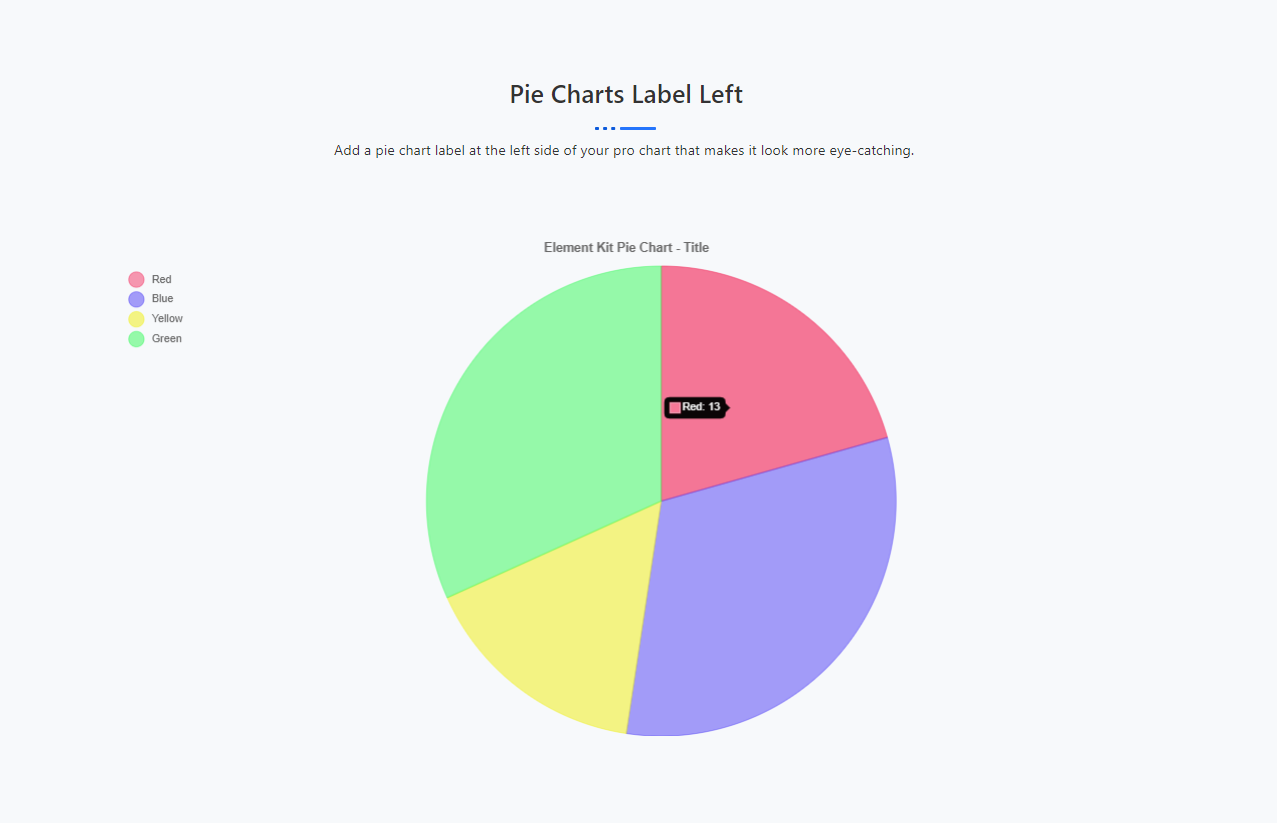
Pie Charts Label Left Add a pie chart label at the left side of your pro chart that makes it look more eye-catching.
Client Logo – Section 14
Client Logo with Full Gradient Box Effects Showcase your client logos in a full-width carousel style with gradient slide appears from the bottom