Fun Fact – Section 10
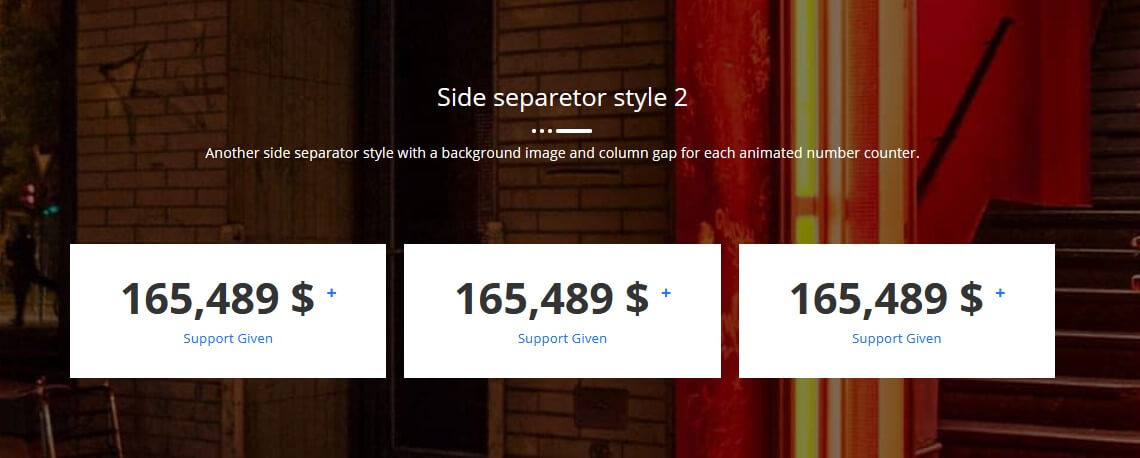
Side separetor style 2 Another side separator style with a background image and column gap for each animated number counter. 0 $ + Happy Customers 0 $ + Project Complete 0 $ + Awards Winning
Progress Bar – Section 3
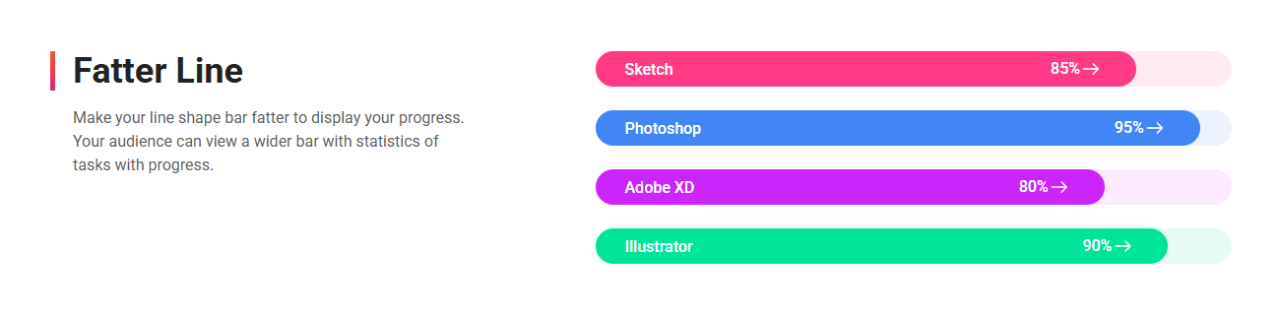
Fatter Line Make your line shape bar fatter to display your progress. Your audience can view a wider bar with statistics of tasks with progress. Sketch 0% Photoshop 0% Adobe XD 0% Illustrator 0%
Fun Fact – Section 9
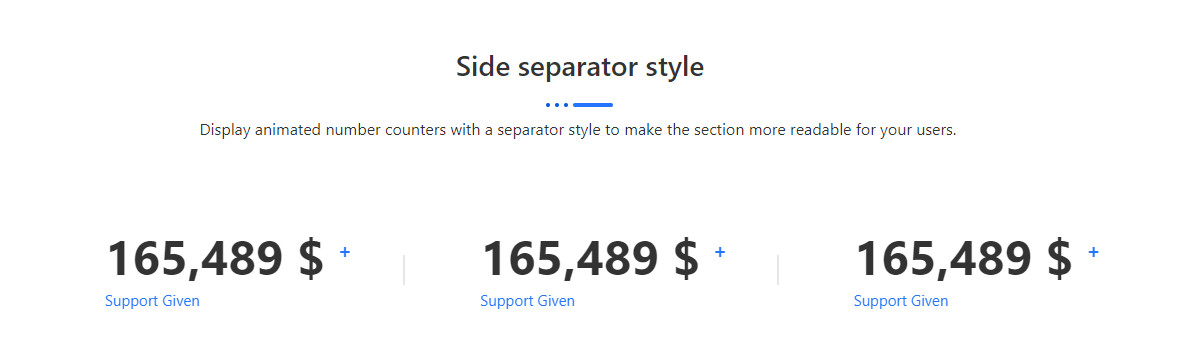
Funfact Side separator style 0 $ + Project Complete 0 $ + Registered Member 0 $ + Awards Winning
Fun Fact – Section 8
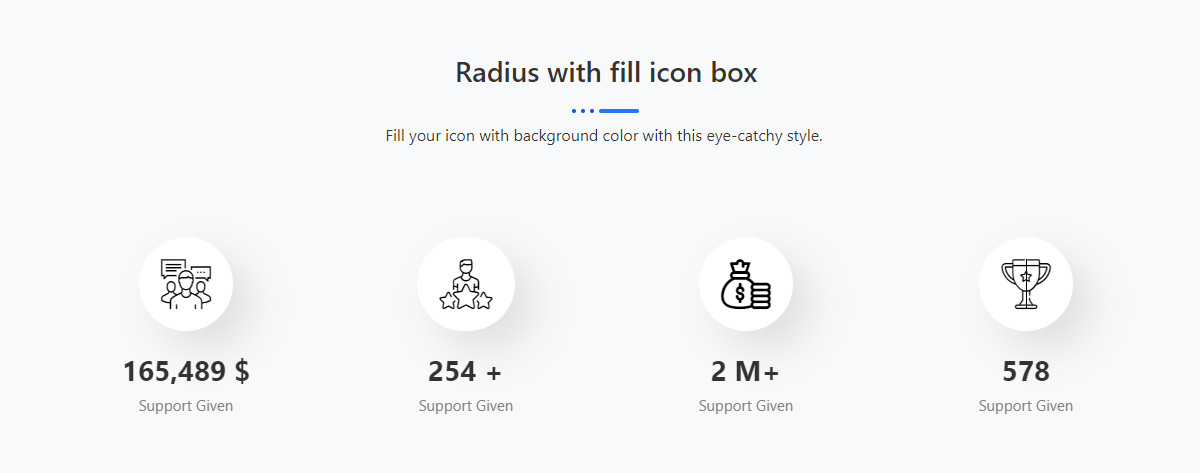
Radius with fill icon box Fill your icon with background color with this eye-catchy style. 0 + Happy Customers 0 + Project Complete 0 k Registered Member 0 Awards Winning
Progress Bar – Section 2
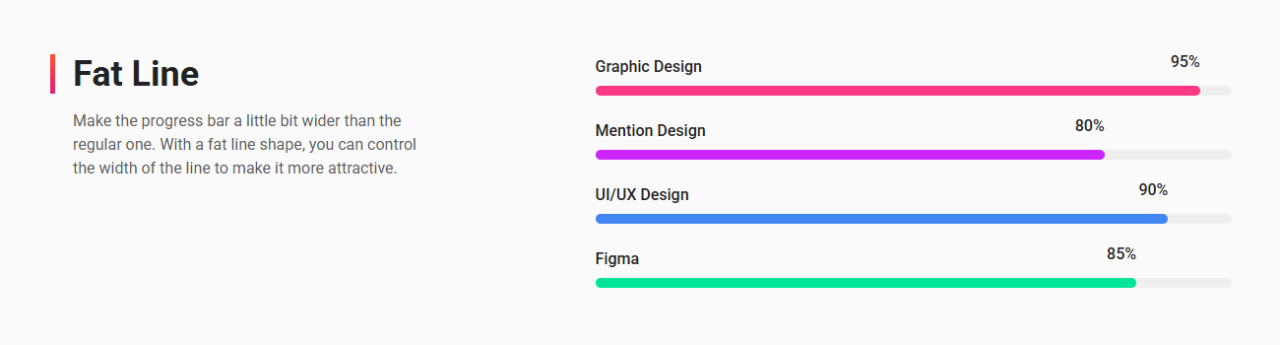
Fat Line Make the progress bar a little bit wider than the regular one. With a fat line shape, you can control the width of the line to make it more attractive. Graphic Design 0% Mention Design 0% UI/UX Design 0% Figma 0%
Progress Bar – Section 1

Line Shape Show the progress of a task, your skill level or achievement with a line shape by using a line shape bar. Let the audience know as you like. WordPress 0% Joomla! 0% Magento 0% PrestaShop 0%
Dual Button – Section 5

Stylist Square with Icon Style Display dual buttons with icons to make it more user-friendly. Button Or Button
Client Logo – Section 4
Client Logo with Thick Border Effects 2 Present your logo carousel slider with the thick border and turn it into gradient color
Client Logo – Section 9
Client Logo with Black Background Slide in Effects Exhibit your client logos on a black color slider on a white background appears from the bottom
Client Logo – Section 10
Client Logo with Line Shape Display the hover logo effect on your client’s logo section.